
Yes, messaging a hiring manager on LinkedIn works when your note is short, specific, and asks for a small next step like a 10- to 15-minute call. The pattern that gets replies is simple: reference something real about the role or team, add one line of evidence about your background, then make a low-friction ask. Send it after you apply, keep it under 400 characters, and follow up once after about a week.
TL;DR:
- Sending a short, specific LinkedIn message immediately after applying increases your chances of a response, especially if it references a recent project or team detail.
- Identifying the correct hiring manager by role and active LinkedIn activity significantly improves message relevance and response rates.
- InMail delivers faster replies and higher reply rates for priority roles but costs a credit; use it strategically for highly competitive positions.
- Keep outreach messages to three to four sentences, focus on one measurable proof of your skills, and ask for a brief, low-friction call of 10 to 15 minutes.
- Following up once after 5 to 7 days with new information is effective; avoid multiple messages to prevent appearing pushy and consider escalating to email if necessary.
Table of Contents
- How to Find the Right Hiring Manager on LinkedIn
- Connection Request Note or InMail: Which Should You Send?
- What to Write: Structure, Length, and Formatting That Get Replies
- Copy-Ready Templates for Every Outreach Scenario
- Role-Specific Tweaks That Make Your Evidence Line Land
- Streamlining the Outreach Workflow With Contact Intelligence
- What to Do After You Hit Send
- Why Short, Specific Outreach Beats Clever Outreach
- Get Hiring Manager Contact Info Without the Manual Digging
- Sources
- FAQ
How to Find the Right Hiring Manager on LinkedIn
Finding the correct person matters more than finding someone. A message to a recruiter who has zero authority over the role wastes your one good shot at a first impression. Here's the actual process.
1. Start with the job title, not the job title's synonym. Most hiring managers carry titles one or two levels above the open role. A "Senior Backend Engineer" posting usually reports to an "Engineering Manager" or "Director of Engineering." A "SOC Analyst" role typically reports to a "Security Operations Manager" or "Director of Cybersecurity." Match seniority to function before you send anything.
2. Mine the job post itself for names and structure. Many postings now include a "Meet the team" section or name the hiring manager directly. Others hint at reporting lines through phrases like "you'll report to our Head of Platform Engineering." Screenshot or copy that phrase. It becomes your opener.
3. Use LinkedIn's company People tab. Search the company page, filter by department (Engineering, Product, Security, Sales), and sort by relevance. Look for people who:
- Hold a manager, lead, or director title in the exact team named in the posting
- Posted or commented on the job listing itself
- Recently posted about the team's projects, hiring plans, or open headcount
4. Cross-check with recent activity. Someone who posted about the role three days ago is a much warmer target than someone who hasn't posted since 2022. Active posters are also more likely to see and respond to a connection request note.
5. Know when to fall back. If you genuinely can't identify a hiring manager, or if the company is large enough that org structure is opaque, message the recruiter listed on the posting instead. Apply through the official applicant tracking system first in every case, then follow up with the recruiter or hiring manager, never instead of it. This kind of layered outreach outperforms a single-channel approach because each channel reinforces the others rather than competing with them.
Skipping the identification step is the single most common reason a well-written message goes nowhere. Effort spent here pays off more than effort spent polishing your sentence structure.
Connection Request Note or InMail: Which Should You Send?
Send a connection request note if you don't have LinkedIn Premium or InMail credits and the hire doesn't feel time-sensitive. Send an InMail if you have credits available, the role is a priority for you, or the hiring manager posts frequently and seems reachable directly.
The two channels behave differently, and the differences shape what you can even write:
- Connection request notes are free but capped at roughly 300 characters, which forces brevity whether you like it or not.
- InMail costs a credit (included in Premium, Recruiter, or Sales Navigator plans) but delivers straight to the recipient's primary inbox, and it doesn't require them to accept a connection first.
- InMail tends to get faster replies for priority outreach because it doesn't sit in a "pending" queue the way a connection request can.
- A connection note works well right after you apply, since you're not asking for much, just visibility and a name attached to an application.
- InMail works better for competitive roles where you want to stand out before a recruiter even screens your resume.
Timing matters regardless of channel. Send your message the same day or the day after you submit your application, while the posting is still fresh in the hiring manager's mind. Midweek mornings, Tuesday through Thursday, tend to outperform Monday inbox floods and Friday afternoon distraction. If you apply through the ATS and also send a LinkedIn note, you're covering two channels at once, which is exactly the kind of layered visibility that improves your odds of getting noticed at all.
One practical note on cost: don't burn an InMail credit on a company you're lukewarm about. Save them for roles where the title, team, or comp band tells you this is worth the investment.
What to Write: Structure, Length, and Formatting That Get Replies
Every message that works follows roughly the same skeleton, whether it's a connection note or an InMail. Three to four sentences, no more:
- Opener that references something specific: the role, the team, a recent post, or a phrase from the job description.
- Evidence line: one sentence tying a concrete result from your background to what the team likely needs.
- Low-friction ask: request 10 to 15 minutes, not a job, not an interview.
- Signoff with your name and, optionally, a one-line portfolio or LinkedIn link.
Length is not a style preference here, it's the difference between getting read and getting ignored. InMails under 400 characters see a higher response rate than longer ones, and connection request notes are hard-capped around 300 characters anyway. Write the short version first. If you're padding a message to sound more "professional," you're actually working against yourself.
Tone matters as much as length. Mirror the language the hiring manager or job post uses. If the posting says "own the roadmap," don't write "manage projects." If their LinkedIn voice is casual, don't open with "Dear Hiring Manager." Curiosity reads better than entitlement. You're asking to learn something, not demanding consideration.
A few formatting habits separate messages that get read from messages that get skimmed and dismissed:
- Use a line break or two even in a short message. A wall of text on mobile feels heavier than it is.
- Keep your evidence line to one measurable detail, not a list of three accomplishments.
- Include a single link, either your LinkedIn profile (if messaging from a personal email) or a short portfolio or GitHub link, never both.
- Skip attachments on the first message. Nobody opens a resume PDF from a stranger they haven't replied to yet.
Hiring managers respond to proof that you understand their team's actual problem, not a résumé pitch dressed up as a greeting. Referencing a recent project, a specific post, or a line from the job description does more work than any adjective you could add about your own qualifications.
Pro Tip: Write your evidence line before you write anything else. If you can't come up with one specific, measurable detail about your background that connects to this exact team, you're not ready to send the message yet, keep researching.
Copy-Ready Templates for Every Outreach Scenario
Templates only work when you treat them as a frame, not a finished product. Every bracket below needs a real detail before you hit send.
1. Connection request note (300 characters, sent after applying)
Hi [Name], I just applied for the [Role] position and saw your team is [specific detail from JD or post]. I built [1 relevant result] at [Company] and would love to connect. Happy to share more if useful.
This version respects the character cap while still naming the role and giving one concrete anchor. It works because it doesn't ask for anything beyond a connection, low pressure, easy yes.
2. Short InMail (subject line + 3-sentence body, for priority outreach)
Subject: Quick note re: [Role] on your team
Hi [Name], I noticed [Company] is hiring for [Role] and saw your recent post about [specific project or challenge]. I recently [specific result, e.g., "cut deployment time by automating our CI pipeline"] at [Company/context], and it sounds directly relevant to what your team is tackling. Would you have 10 minutes this week for a quick call?
This is the version to save for roles you actually want. It costs a credit, so make the evidence line count.
3. After-applying follow-up (sent the same day or next day)
Hi [Name], I just submitted my application for [Role] and wanted to reach out directly. Your team's work on [specific project] is exactly the kind of problem I've spent the last [X years] solving. Would love 15 minutes to learn more about what you're building.
4. Value-add follow-up (sent 5 to 7 days after the first message)
Hi [Name], following up in case my last note got buried. Since reaching out, I [new detail, e.g., "wrote up a short breakdown of how I'd approach the migration challenge you mentioned"]. No pressure, just wanted to share in case it's useful.
5. Networking or informational message (not tied to a specific open role)
Hi [Name], I've been following [Company]'s work on [specific area] and I'm exploring opportunities in [field/discipline]. I'd value 15 minutes to hear how your team thinks about [specific challenge], no ask beyond the conversation.
This last template matters more than most job seekers realize. It builds a relationship before a role even opens, and hiring managers remember candidates who showed curiosity without an immediate ask attached.
A mutual connection, when you actually have one, is worth mentioning by name early in the message. Referencing a shared contact appropriately measurably improves acceptance and response rates compared to a cold approach with no shared context.
Role swap snippets for the evidence line, swap freely based on discipline:
- Engineering: "I rebuilt our data pipeline to handle 3x the volume without adding infrastructure cost."
- Product: "I launched a feature that grew activation by double digits in its first quarter."
- Sales: "I closed [X]% above quota in [industry vertical] for the past two years running."
- Design: "I redesigned our onboarding flow, and usability testing showed a clear drop in drop-off rate."
Keep a running bank of six or so of these lines for your top target roles. When you find the right hiring manager, you paste the correct line in under 30 seconds instead of freezing over a blank message box.
Role-Specific Tweaks That Make Your Evidence Line Land
The template skeleton stays constant. What changes role to role is the one line of proof you slot into the middle. Generic proof reads as generic, no matter how good your grammar is.
- Engineering: anchor to scale, stack, or a performance number. "Migrated our monolith to microservices, cutting average response time by 40%" tells a hiring manager exactly what kind of problems you've solved, not just that you've "worked with backend systems."
- Product: anchor to a shipped feature and its measured outcome. Vague statements like "improved user experience" say nothing. "Shipped a redesigned checkout flow that reduced cart abandonment" says everything a product hiring manager needs in one sentence.
- Sales: anchor to quota attainment or vertical-specific experience. Numbers carry weight here more than almost any other discipline; a specific percentage above quota beats a paragraph about "relationship building."
- Design: anchor to a portfolio link plus a measured result, not just aesthetic description. A short, direct link to a specific case study builds credibility faster than describing your process in prose, especially for a hiring manager skimming on mobile between meetings.
For cybersecurity roles specifically, lean on incident response metrics, detection improvements, or compliance milestones rather than certifications alone. "Reduced mean time to detect by half after implementing a new SIEM tuning process" says more than listing your CISSP in a sentence, even though the certification belongs on your profile.
The mistake most job seekers make here isn't laziness, it's over-explaining. One measurable line beats three vague ones every time.
Streamlining the Outreach Workflow With Contact Intelligence
The workflow that actually works follows a tight sequence: find the right person, apply through the official channel, send a short note or InMail, then follow up with new evidence if you haven't heard back. Each step depends on the one before it, and each one takes time if you're doing it manually.
Manually researching a hiring manager, cross-referencing their team, and guessing at the right contact eats up time you'd rather spend tailoring your resume or prepping for interviews. This is where contact intelligence tools built specifically for this workflow save real hours. Some contact intelligence tools combine role discovery with hiring manager contact data so IT and cybersecurity job seekers can skip the manual guesswork of matching a job posting to the right person's profile.
The practical value shows up in a few specific places:
- Faster identification of who actually owns hiring for a specific opening, rather than scrolling a company's People tab manually
- Tailored application materials that align with the role's ATS keywords before you ever send an outreach message
- A structured way to track which contact you've messaged, through which channel, and when a follow-up is due
If you want to go deeper on the mechanics of this approach, how professional outreach differs from generic cold email is worth reading before your next application cycle. And if a first message goes unanswered, knowing how to find a hiring manager's work email gives you a second channel without starting from scratch.
What to Do After You Hit Send
Sending the message is only half the job. What you do in the days after determines whether that first note turns into a conversation.
- Wait 5 to 7 days before following up. One polite follow-up after about a week is the recommended maximum before you either switch channels or let it go.
- Add something new in the follow-up, not just a "just checking in." Share a fresh result, a relevant article you wrote, or an update on your application status.
- If they accept your connection but don't reply, don't message again immediately. Engage naturally with a post or comment first, then re-ask for time a week or two later if it still feels relevant.
- If LinkedIn goes quiet entirely, escalate to email. A short, professional email using the same structure, opener, evidence, ask, often reaches someone who simply doesn't check LinkedIn messages often.
- Know when to stop. One initial message plus one follow-up is the ceiling. A third unsolicited message reads as pressure, not persistence.
Silence after a strong message usually means timing, not rejection. Move on to your next target while leaving the door open on this one.
Why Short, Specific Outreach Beats Clever Outreach
Most advice about messaging hiring managers focuses on what to say. The more useful question is what to leave out. Every extra sentence you add past the fourth one is usually there to make you feel more comfortable, not to make the reader more likely to respond. That's the uncomfortable truth about outreach: the version that feels too short to you is often the version that reads as respectful of someone else's time.
The biggest misconception I keep running into is that personalization means writing more. It doesn't. It means writing one true, specific thing instead of five generic ones. A single sentence that proves you read the job post carefully will always outperform a paragraph that proves you know how to use a thesaurus.
The other lesson worth internalizing: a hiring manager who doesn't reply isn't necessarily saying no. LinkedIn inboxes get buried fast, especially for anyone hiring for a visible role. Treat the follow-up as a normal, expected part of the process, not a sign of desperation. The job seekers who get the most interviews aren't the ones with the cleverest opening lines. They're the ones who show up with one good detail, ask for very little, and follow up exactly once before moving forward.
— Diego
Get Hiring Manager Contact Info Without the Manual Digging
Finding the right hiring manager, verifying their role, and drafting a tailored note usually eats up 20 to 30 minutes per application if you're doing it by hand. Pluckjobs cuts that research time down by pairing role discovery with hiring manager contact intelligence, so you spend your energy writing the message instead of hunting for who to send it to.
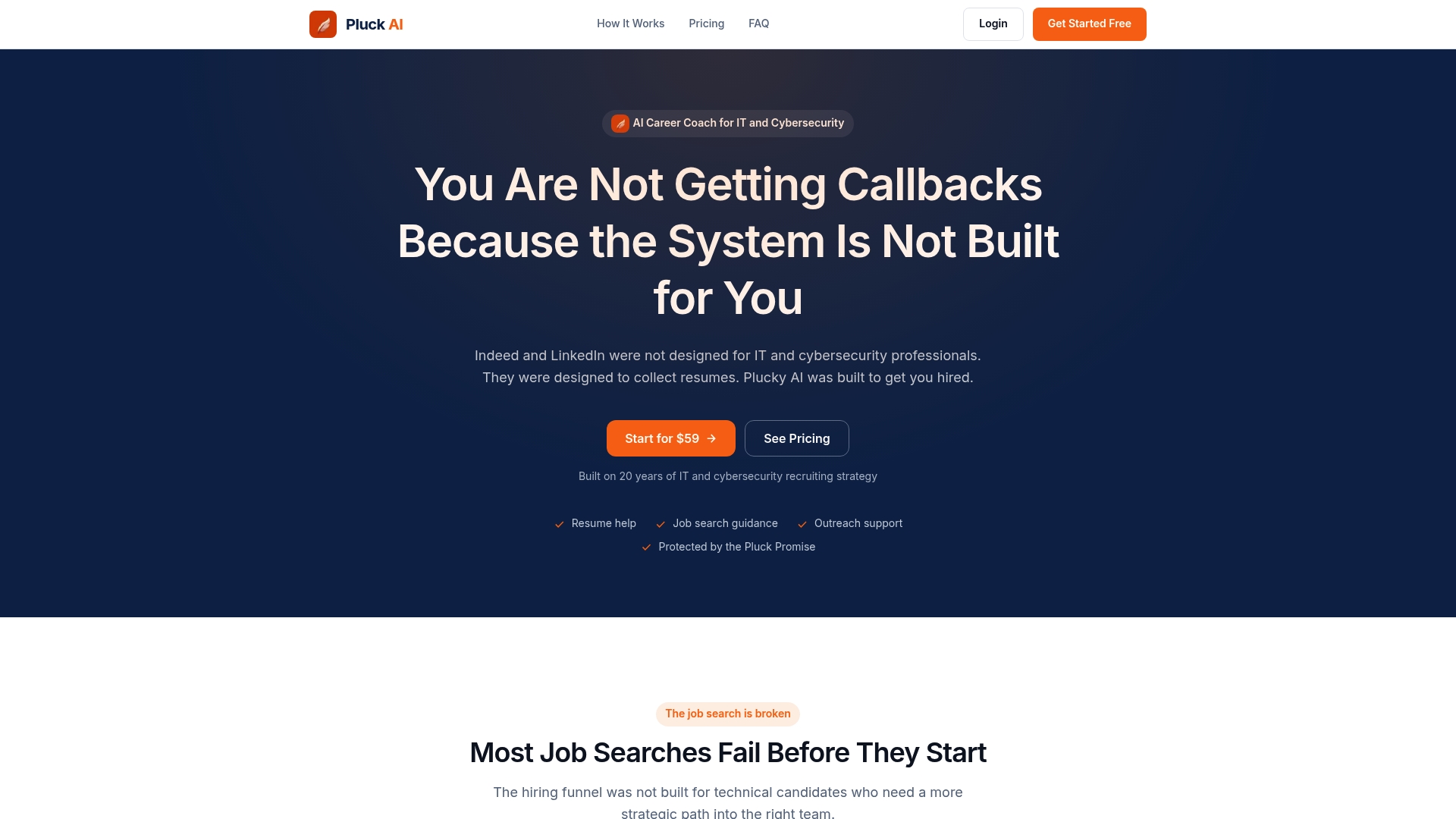
The platform is built specifically for IT and cybersecurity job seekers, matching open roles to your background and surfacing the person actually responsible for hiring rather than a generic recruiter inbox. Combine that with the resume tailoring built into the platform, and you're sending a shorter, more targeted message backed by an application that's already aligned to the role's keywords, exactly the one-two combination this article has walked through. If you're refining your resume language before you reach out, an honest second opinion on your resume can help tighten the evidence line you'll use in your outreach.
If you're applying to more than a handful of IT or cybersecurity roles this month, start with Pluckjobs and see how much faster the find-person-and-message step goes when the contact research is already done for you.
Sources
- How to Message a Hiring Manager — ClickUp
- A Better Way to Message Hiring Managers on LinkedIn (with 6 message templates)
- I'm a hiring manager. Here's how to actually message me when you're looking for a job. — Scott Graham (LinkedIn post)
FAQ
What is a good message to send to a hiring manager?
A good message is three to four sentences: reference a specific detail about the role or team, add one line of measurable evidence from your background, and ask for 10 to 15 minutes rather than a job outright.
Is it okay to message a hiring manager on LinkedIn?
Yes, it's widely accepted etiquette as long as you apply through the official channel first and keep your message short, specific, and low-pressure rather than demanding immediate consideration.
How can you tell if a LinkedIn message is real or fake?
Legitimate outreach from a hiring manager or recruiter typically references a specific role, comes from a profile with a real work history and company affiliation, and never asks for money, personal financial details, or payment upfront; anything requesting this is a scam regardless of how professional it looks.
What is the 70/30 rule in hiring?
Definitions of similar rules vary by source and context, with some applying to skills versus culture fit, others to interview talk time, so there's no standard definition tied specifically to LinkedIn outreach or hiring manager messaging.
How many times should you follow up with a hiring manager?
Send one initial message and, if you don't hear back, one polite follow-up around five to seven days later with a new detail or update; after that, switch channels or move on rather than sending a third message.