
Professional outreach and cold email are not the same thing, and confusing them is one of the most common reasons IT and cybersecurity candidates get ignored. Professional outreach is targeted, research-backed contact that asks for perspective on a specific team problem, not a job. A cold email, in the generic sense, is a broad pitch that leads with your resume and asks for a high-commitment response from someone who has no context about you.
For IT and cybersecurity professionals actively searching for roles, professional outreach should be your first move. Reserve volume-based approaches for later, and only after heavy personalization.
The three core differences:
- Posture: Professional outreach is value-forward and information-seeking. Cold email is pitch-oriented.
- Ask: Professional outreach requests 15 minutes of perspective or a specific answer. Cold email drops a resume and asks for a job.
- Expected outcome: Professional outreach generates honest replies and referrals. Cold email usually generates silence or a form rejection.
Pro Tip: Frame your first message as user research. You are not asking for a job; you are asking how a security team approaches a specific problem you have worked on.
Key Takeaways
| Point | Details |
|---|---|
| Posture is the core difference | Professional outreach asks for perspective; cold email pitches for a job. |
| Personalization drives replies | Personalized emails to named hiring managers achieve 8–14% reply rates vs. under 1% for generic templates. |
| Dual-channel sequences win | Email first, LinkedIn follow-up on day 4–6, one final nudge on day 10, then stop. |
| Research before you write | Spend 20 minutes on public signals (blog posts, CVEs, job descriptions) before drafting any message. |
| Pluckjobs accelerates the workflow | Pluckjobs surfaces verified hiring manager contacts and drafts tailored outreach for IT and cybersecurity roles. |
Table of Contents
- How professional outreach differs from cold email in practice
- Why low-pressure outreach gets more replies
- How to research a hiring manager before you write
- A reusable message framework and tested templates
- Which channel to use and when to follow up
- How to find hiring manager contact information
- Ethical rules and red flags to avoid
- Seven checks to run before you hit send
- What actually works in IT hiring outreach
- Pluckjobs makes hiring manager outreach faster and more precise
- Sources
- FAQ
How professional outreach differs from cold email in practice
The difference shows up most clearly in the first two sentences of a message. A cold email opens with the sender's credentials and ends with a request to review a resume. Professional outreach opens with something the recipient cares about and ends with a single, easy question.
Dice's guidance is direct: research the company, address specific team priorities, and keep your pitch tied to job fit. That is the posture of professional outreach, not cold email.
Here is how the two approaches compare across four dimensions:
- Intent: Professional outreach seeks a conversation. Cold email seeks a transaction.
- Structure: Professional outreach is 3–5 sentences with one clear ask. Cold email often runs long, with multiple asks stacked together.
- Recipient reaction: Professional outreach feels like a peer reaching out. Cold email feels like a form letter.
- Hidden roles: ResumeAdapter notes that tailored direct outreach can insert candidates into pre-posting workflows, where most IT roles are filled before a public job listing ever appears.
Example one-liners you can adapt for IT and cybersecurity roles:
- "I saw your team recently migrated to a zero-trust architecture. I led a similar rollout at a 2,000-seat org and would love to hear how you approached identity segmentation."
- "Your engineering blog post on incident response automation caught my attention. I have built similar SOAR playbooks and am curious how your team measures mean time to contain."
- "I noticed you are hiring for a senior cloud security engineer. I have been focused on AWS GuardDuty and CSPM tooling. Would a 15-minute call be useful?"
Pro Tip: Match your tone to the recipient's public voice. A concise founder gets a three-sentence message. An analytical engineering lead gets a message that references a specific technical constraint.
Why low-pressure outreach gets more replies
The psychology here is well-documented. Harvard's Mignone Center recommends reframing outreach as a request for perspective or targeted information rather than a job ask. That shift reduces recipient defensiveness and raises engagement because it removes the social pressure of a high-stakes decision.
ResumeAdapter's tracked data shows personalized cold emails sent to named hiring managers produced reply rates in the 8–14% range.
Three mechanisms drive that gap:
- Perceived effort: A message that references a specific public signal (a blog post, a CVE disclosure, a product launch) signals that you did real work. Recipients notice.
- Reciprocity: A low-friction ask (one question, 15 minutes) is easy to say yes to. A resume drop requires the recipient to make a hiring decision before they know anything about you.
- Relevance: Draftery's guidance recommends starting with the team's priorities and matching one or two concrete wins to that situation. Messages that reference a real trigger outperform generic candidate claims.
How to research a hiring manager before you write
Good outreach starts with 20 minutes of focused research. Here is a step-by-step workflow for IT and cybersecurity candidates:
- Find the right person. Search LinkedIn for the engineering manager, security lead, or CISO at your target company. Cross-reference with the company's engineering blog author bylines and conference speaker lists.
- Read their public signals. Check recent LinkedIn posts, GitHub activity, and any public talks or webinars. Note the specific tools, frameworks, or problems they mention.
- Review the job description for tech stack clues. Job descriptions for security roles often list specific tools (CrowdStrike, Splunk, Wiz) that reveal the team's current priorities.
- Check the company's engineering blog. Many IT organizations publish postmortems, architecture decisions, and tool evaluations. These are direct windows into what the team is solving right now.
- Convert your research into one focused question. Take the most specific signal you found and turn it into a hypothesis: "Your team seems to be moving toward cloud-native SIEM. I have been working on similar migrations. Is that a current priority?"
Useful sources for this research: LinkedIn, company engineering blogs, public GitHub repositories, conference talk archives (DEF CON, RSA, AWS re:Invent), and PluckJobs.io for structured hiring manager contact data.
Pro Tip: For security roles specifically, search for recent CVE disclosures or public incident postmortems tied to the company. A message that references a disclosed vulnerability and connects it to your remediation experience is one of the highest-signal openers available to a security candidate.
A reusable message framework and tested templates
Every effective outreach message follows the same five-part structure:
- Subject line tied to a real trigger (release, incident, hiring signal, blog post)
- One-line hook referencing that trigger
- One-line credibility connecting your experience to their situation
- One specific ask (15-minute call, one question, a perspective)
- Easy opt-out so the recipient does not feel trapped
Template: Engineering manager or security lead
Subject: Zero-trust rollout at [Company] — quick question
Hi [Name], I saw your team recently published a postmortem on your identity segmentation project. I led a similar rollout using BeyondCorp principles at a 3,000-seat org and ran into the same lateral movement challenges. Would a 15-minute call be useful, or happy to share a few notes by email if that is easier?
Template: CISO or VP of Security
Subject: CSPM coverage gap — relevant to your AWS migration?
Hi [Name], your recent talk at RSA on cloud misconfiguration risk matched a problem I spent the last two years solving with Wiz and custom AWS Config rules. I am exploring my next role and would value 15 minutes of your perspective on where teams typically underinvest. No pressure if the timing is off.
Template: CTO or founder (startup)
Subject: Saw your Series B — security hiring question
Hi [Name], congrats on the Series B. I have built security programs from scratch at two Series B companies and noticed you are hiring a security lead. Happy to share what worked (and what did not) if a short call makes sense.
Subject-line formulas that work for IT roles: reference a specific tool, incident, product launch, or hiring signal. Avoid generic phrases like "Experienced security professional" or "Exploring opportunities."
- Avoid attachments on first contact. A resume in the first message increases friction and can trigger spam filters.
- When an attachment is needed later, ResumeAdapter recommends a clean single-column PDF so the file parses correctly if the hiring manager forwards it into Workday, Greenhouse, or Lever.
Pro Tip: Keep your message to five sentences or fewer. If you cannot make your case in five sentences, the message is not ready to send.
Which channel to use and when to follow up
Email is the stronger starting channel for most IT and cybersecurity outreach. Angld show email reply rates in the 8–15% range for targeted outreach, compared to 5–10% for LinkedIn messages. Dual-channel sequences outperform either channel alone.
| Channel | Typical reply rate | Best for |
|---|---|---|
| Email (personalized) | 8–15% | Direct outreach to named hiring managers |
| LinkedIn InMail | 5–10% | Senior leaders with no public email |
| Dual-channel sequence | Higher than either alone | Any target where email is confirmed |
Recommended cadence:
- Day 0: Send the primary email.
- Day 4–6: Send a LinkedIn connection request or InMail with a one-line reference to the email.
- Day 10: One-line follow-up email ("Happy to share more context if useful").
- After day 10: Stop. Two touches after the initial message is the professional limit.
Match message length to channel. Email supports a short paragraph. LinkedIn messages should be two to three sentences maximum. A targeted outreach sequence works best when each touch adds new information rather than repeating the original ask.
How to find hiring manager contact information
Manual methods are effective and free. Start with these sources:
- Company team pages and engineering blogs: Author bylines often include names that map directly to LinkedIn profiles.
- GitHub commit history: Public repositories sometimes expose work email addresses in commit metadata.
- Conference speaker lists: DEF CON, Black Hat, and RSA speaker bios frequently include professional contact details.
- Email pattern inference: Most companies use first.last@company.com or first@company.com. Once you confirm the pattern from one known address, apply it to your target.
Verify any inferred address before sending. A quick SMTP check or a secondary source confirmation reduces bounce rates and protects your sender reputation. A detailed walkthrough of finding a hiring manager's email covers verification steps in depth.
Pro Tip: Pluckjobs combines Apollo contact intelligence with SerpAPI-powered role discovery to surface verified hiring manager contact data for IT and cybersecurity roles. It cuts the manual research time significantly when you are working through a list of 10 or more targets.
Avoid scraping personal social media accounts or contacting people through channels they have not made public for professional use. If a company's careers page states a specific contact policy, follow it.
Ethical rules and red flags to avoid
A few behaviors reliably damage your reputation and reduce reply rates:
- Contacting someone who has said no. One explicit decline ends the sequence. No exceptions.
- High-frequency follow-ups. More than two follow-ups after the initial message reads as pressure, not persistence.
- Sending unsolicited attachments on first contact. It increases spam filter risk and signals poor judgment about professional norms.
- Using personal social channels (Instagram, Facebook, Twitter DMs) for professional outreach unless the person has explicitly invited that contact.
- Ignoring company contact policies. Some organizations publish guidance on how to reach their teams. Bypassing it creates a negative first impression before you have said anything substantive.
One legal note: the CAN-SPAM Act applies to commercial email, but professional job-search outreach sent individually and in good faith generally falls outside its scope. When in doubt, keep messages personal, relevant, and easy to opt out of.
Seven checks to run before you hit send
- Subject line test: Does it reference a specific trigger? Would you open it?
- Hook clarity: Does the first sentence reference something real about the recipient's work?
- Single ask: Is there exactly one request in the message?
- Message length: Is it five sentences or fewer?
- Recipient address: Is the email address verified, not guessed?
- Attachment format: If you are attaching a resume, is it a single-column PDF?
- Opt-out line: Does the message give the recipient an easy way to decline?
Preview the subject line and first sentence on a mobile screen before sending. Most recipients see your message on a phone first. If the subject line is cut off or the first sentence is generic, the message will not be opened. Tracking common IT job search mistakes alongside this checklist catches most errors before they reach a hiring manager's inbox.
What actually works in IT hiring outreach
The single biggest shift that raises reply rates is treating the first message as a question, not a pitch. Messages that open with a specific technical observation and close with a single, low-stakes question consistently outperform messages that lead with credentials and end with a resume link.
The second lesson: sequence timing matters more than volume. Two well-timed, well-researched messages to ten targets outperform twenty generic messages to a hundred. Job search metrics worth tracking include reply rate, conversion to a call, and time to first reply. Those three numbers tell you whether your message or your target list needs adjustment.
The third: do not wait for a public job posting. The hidden job market is real, and direct outreach is the most reliable path into it.
Pluckjobs makes hiring manager outreach faster and more precise
IT and cybersecurity job seekers who run this outreach workflow manually spend hours on contact discovery and message drafting before sending a single email. Pluckjobs cuts that time by combining Apollo contact intelligence with SerpAPI-powered role discovery, so you get verified hiring manager contact data, tailored outreach drafts, and ATS-compatible resume exports in one place.
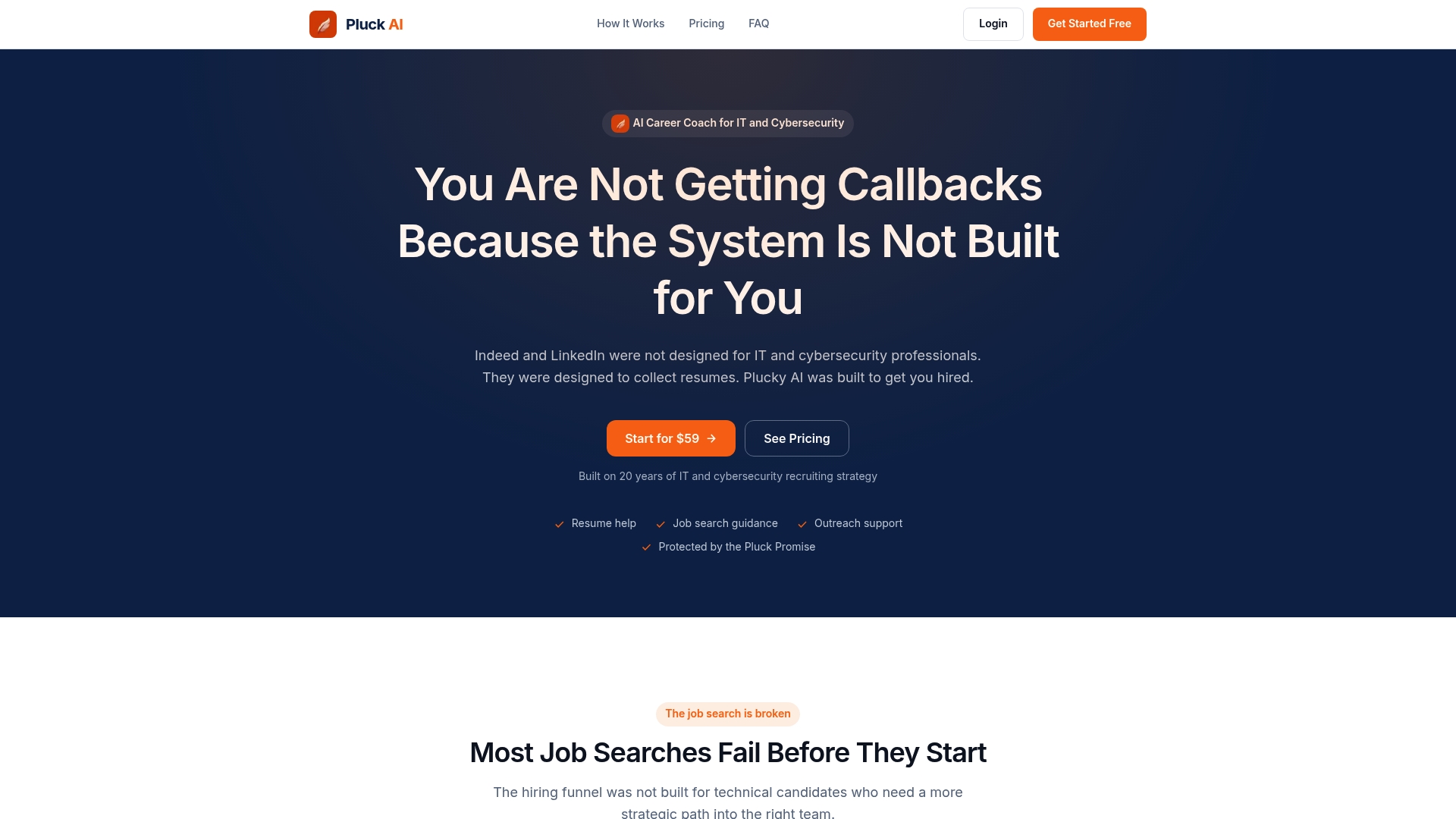
Use Pluckjobs when you have a shortlist of target companies and need verified contact data fast. Use manual research when you have one high-priority target and want to go deep on personalization. The two approaches work together. Plucky AI, the platform's AI assistant, drafts outreach messages based on the role and hiring manager data it surfaces, so your first message is already personalized before you edit it.
Start your first targeted outreach sequence at Pluckjobs.
Sources
- Cold outreach that doesn’t feel cold: A script-free guide for recent grads – Harvard FAS | Mignone Center for Career Success
- Cold Emailing for Jobs: The 2026 Guide to Get Hired | Draftery Blog
- Cold Email Cover Letter: How to Apply With No Posting (2026) | ResumeAdapter
- Dice
FAQ
How is professional outreach different from a cold email?
Professional outreach is targeted, research-backed contact that asks for perspective on a specific team problem rather than pitching for a job. Cold email, in the generic sense, leads with credentials and asks for a high-commitment response from someone with no prior context.
What reply rate should I expect from hiring manager outreach?
Should I use email or LinkedIn to contact a hiring manager?
Start with email. A dual-channel sequence (email first, LinkedIn follow-up on day 4–6) outperforms either channel alone.
How many follow-ups are appropriate after the first message?
Two follow-ups after the initial message is the professional limit. Send a LinkedIn nudge on day 4–6 and a one-line email on day 10, then stop regardless of whether you receive a reply.
How does Pluckjobs help with hiring manager outreach?
Pluckjobs combines Apollo contact intelligence with SerpAPI-powered role discovery to surface verified hiring manager contact data and draft tailored outreach messages for IT and cybersecurity roles, reducing manual research time significantly.