
TL;DR:
- A weak LinkedIn profile fails to communicate professional value within seconds, limiting IT job prospects. Elements like poor photos, vague headlines, inconsistent profiles, and lack of achievements decrease recruiter interest and automated filter success. Regular updates and authentic content improve visibility, credibility, and hiring outcomes.
A weak LinkedIn profile is defined as one that fails to communicate professional value within the first few seconds of a recruiter's review. For IT job seekers, this is not a minor inconvenience. 73% of recruiters form an initial opinion within 3.2 seconds, which means a blurry photo or a vague headline can end your candidacy before a human ever reads your resume. The most common examples of weak LinkedIn profiles share the same core flaws: missing or unprofessional photos, generic headlines, inconsistent work history, and About sections stuffed with buzzwords instead of results. IT professionals face an additional filter because recruiters use AI-powered keyword matching to screen candidates before any human review occurs.
1. Examples of weak LinkedIn profiles: the missing or bad profile photo
A missing or unprofessional photo is the single fastest way to lose recruiter attention. Profiles with professional photos receive up to 21 times more profile views and 36 times more messages than profiles without one. That gap is not marginal. It is the difference between being found and being invisible.
Poor photo types that appear repeatedly on weak professional profiles include:
- Blurry or low-resolution images taken on an old phone camera
- Casual or social photos cropped from group shots, showing a beach, bar, or party setting
- Outdated photos that no longer reflect your current appearance
- No photo at all, which signals either neglect or a profile that was never completed
- Logos or avatars used in place of a real headshot
A professional IT profile photo should show your face clearly against a neutral background. You do not need a studio shoot. A well-lit photo taken near a window with a plain wall behind you works well.
Pro Tip: Use your phone's portrait mode in natural daylight. Wear what you would wear to a client meeting. Crop the image to show your face and shoulders only.

2. Generic and uninspiring headlines
The LinkedIn headline is the second element recruiters see after your photo, and it drives search visibility inside the platform's algorithm. A headline that reads only "Software Engineer" or "Looking for Opportunities" tells a recruiter nothing about your specialization, your level, or your value.
Weak headlines that appear on bad LinkedIn profiles follow predictable patterns:
- "Software Developer" with no stack, domain, or seniority level
- "Open to Work" as the entire headline
- "Experienced IT Professional" with no specifics
- "Seeking New Opportunities" which signals desperation rather than expertise
Strong headlines for IT professionals combine role, specialization, and a concrete outcome. A cybersecurity analyst might write: "Cybersecurity Analyst | SOC Operations | Reducing Incident Response Time for Mid-Market Firms." That headline passes keyword filters and tells a recruiter exactly what the candidate does and for whom.
IT profiles without relevant keywords are less likely to pass automated recruiter filters. Keyword placement in the headline is the highest-impact location on the entire profile.
Pro Tip: Write your headline as a value statement, not a job title. Use the format: Role | Specialization | Outcome or Audience. Update it every time your focus shifts.
3. Inconsistency between your LinkedIn profile and resume
Hiring managers cross-reference LinkedIn and resumes as a standard part of screening. Approximately 70% of hiring managers reject candidates due to inconsistencies between the two documents. This rejection often happens silently, with no feedback given to the candidate.
Common mismatches that trigger rejection include:
- Job titles that differ between LinkedIn and the resume (e.g., "Senior Developer" on one and "Lead Engineer" on the other)
- Employment dates that do not align, even by a single month
- Achievements listed on the resume that do not appear anywhere on LinkedIn
- Certifications shown on the resume but absent from the LinkedIn Licenses and Certifications section
- Company names formatted differently, which can confuse automated parsing tools
Small date or title mismatches cause what career coaches call "triangulation failures." A recruiter who spots a discrepancy assumes either carelessness or deliberate misrepresentation. Neither conclusion helps your application.
Run a side-by-side review of your LinkedIn profile and resume before submitting any application. Check every role title, every date range, and every listed achievement. Treat LinkedIn as a living document that requires the same attention as your resume. For a structured approach, the IT job application checklist covers the exact elements to verify before you apply.
4. Weak or buzzword-filled About sections
The About section is the most read part of a LinkedIn profile after the headline and photo. A weak About section either says nothing specific or reads like a list of corporate buzzwords with no evidence behind them.
| Weak About section language | Strong About section language |
|---|---|
| "Passionate and results-driven IT professional" | "I cut deployment time by 40% by rebuilding our CI/CD pipeline at [Company]" |
| "Experienced in various technologies" | "I work in Python, Terraform, and AWS to build infrastructure for fintech teams" |
| "Team player with excellent communication skills" | "I led a cross-functional team of 8 to deliver a SOC 2 audit in 90 days" |
| "Seeking challenging opportunities" | "I'm looking for senior cloud engineering roles in financial services" |
Writing the About section in first person creates a warmer and more authentic connection than third-person writing, which feels cold and detached. Recruiters read hundreds of profiles. A profile that sounds like a real person describing real work stands out immediately.
Recruiters prefer candidates who list achievements with quantifiable outcomes rather than vague job responsibilities. Replace "responsible for managing servers" with "managed 200-node server infrastructure with 99.9% uptime across three data centers."
Pro Tip: Keep your About section under 300 words. Use short paragraphs of two to three sentences. Recruiters scan on mobile, and long blocks of text get skipped entirely.
5. Listing responsibilities instead of achievements
One of the most common LinkedIn profile mistakes in IT is treating the Experience section like a job description. Listing what your role required is not the same as showing what you delivered.
Job seekers who list responsibilities instead of achievements miss the opportunity to demonstrate real value. Recruiters already know what a network engineer or a DevOps analyst does day to day. What they want to know is what you specifically accomplished in that role.
A weak Experience entry reads: "Responsible for maintaining network infrastructure and supporting end users." A strong entry reads: "Reduced network downtime by 30% over 12 months by migrating legacy switches to a software-defined architecture." The second version gives a recruiter a concrete reason to reach out. Authority gaps caused by vague claims without supporting evidence reduce outreach response rates and erode recruiter trust.
Audit every bullet point in your Experience section. If a bullet does not contain a number, a named technology, or a specific outcome, rewrite it. The common IT job search mistakes guide covers this pattern in detail alongside other application errors that cost IT professionals interviews.
6. Missing endorsements, recommendations, and profile activity
Social proof is the third pillar of a credible LinkedIn profile, after content and consistency. Missing or outdated recommendations reduce perceived credibility, and recruiters actively favor profiles with recent, relevant peer validations.
Signs of weak social proof on unprofessional LinkedIn profiles include:
- Zero recommendations from managers, colleagues, or clients
- Endorsements only from close friends for skills unrelated to the target role
- No recent activity, such as posts, comments, or shares in the past 90 days
- Skills section with fewer than five relevant entries, which reduces recruiter contact rates significantly
LinkedIn users with five or more relevant skills are contacted up to 33 times more often by recruiters than those with fewer or irrelevant skills. That is a direct, measurable return on a five-minute task.
To build recommendations, reach out to two or three former colleagues or managers and offer to write one for them first. Reciprocal recommendations feel natural and are more likely to be completed. For skills endorsements, list your most relevant technical skills at the top of the Skills section and ask your network to endorse the ones they have seen you use directly. Consistent activity, even one post or comment per week, signals to both recruiters and the LinkedIn algorithm that your profile is current and engaged. Track how these changes affect your profile views using the job search metrics guide built for IT professionals.
Key takeaways
A weak LinkedIn profile costs IT job seekers recruiter attention, interview invitations, and job offers before a single conversation takes place.
| Point | Details |
|---|---|
| Photo quality drives visibility | Profiles with professional photos get up to 21x more views than those without one. |
| Headlines must include IT keywords | Vague titles fail automated filters; combine role, specialization, and outcome. |
| Profile-resume alignment is non-negotiable | 70% of hiring managers reject candidates for inconsistencies between the two documents. |
| About sections need numbers, not buzzwords | Replace vague claims with quantified achievements to build recruiter trust. |
| Social proof signals credibility | Five or more relevant skills and recent recommendations increase recruiter contact rates significantly. |
What I've learned from watching IT profiles get ignored
Diego here. After reviewing hundreds of IT job seeker profiles, the pattern that surprises people most is not the missing photo or the generic headline. Those are obvious. The real problem is that most IT professionals treat their LinkedIn profile as a static document, something they set up once and forget.
The IT job market moves fast. A profile that was accurate and keyword-rich in 2023 may now be missing terms like "AI security," "zero-trust architecture," or "platform engineering" that recruiters are actively searching for today. IT recruiters use AI-based filters that rely on current sector keywords, and a profile that does not reflect the current language of the field gets filtered out before a human ever sees it.
The other thing I see constantly is authenticity sacrificed for polish. Profiles that read like press releases do not get responses. Recruiters are people. They respond to profiles that sound like a real professional describing real work. Combine that authenticity with the right keywords and current social proof, and your profile becomes a tool that works for you around the clock. Review your profile every 90 days. Update your headline when your focus shifts. Add a new recommendation after every major project. These habits compound over time and separate the candidates who get found from those who keep applying cold.
— Diego
How Pluckjobs helps IT professionals fix their profiles and get hired
IT job seekers who fix their LinkedIn profiles still face one more problem: finding the right roles and reaching the right people. Pluckjobs solves both.
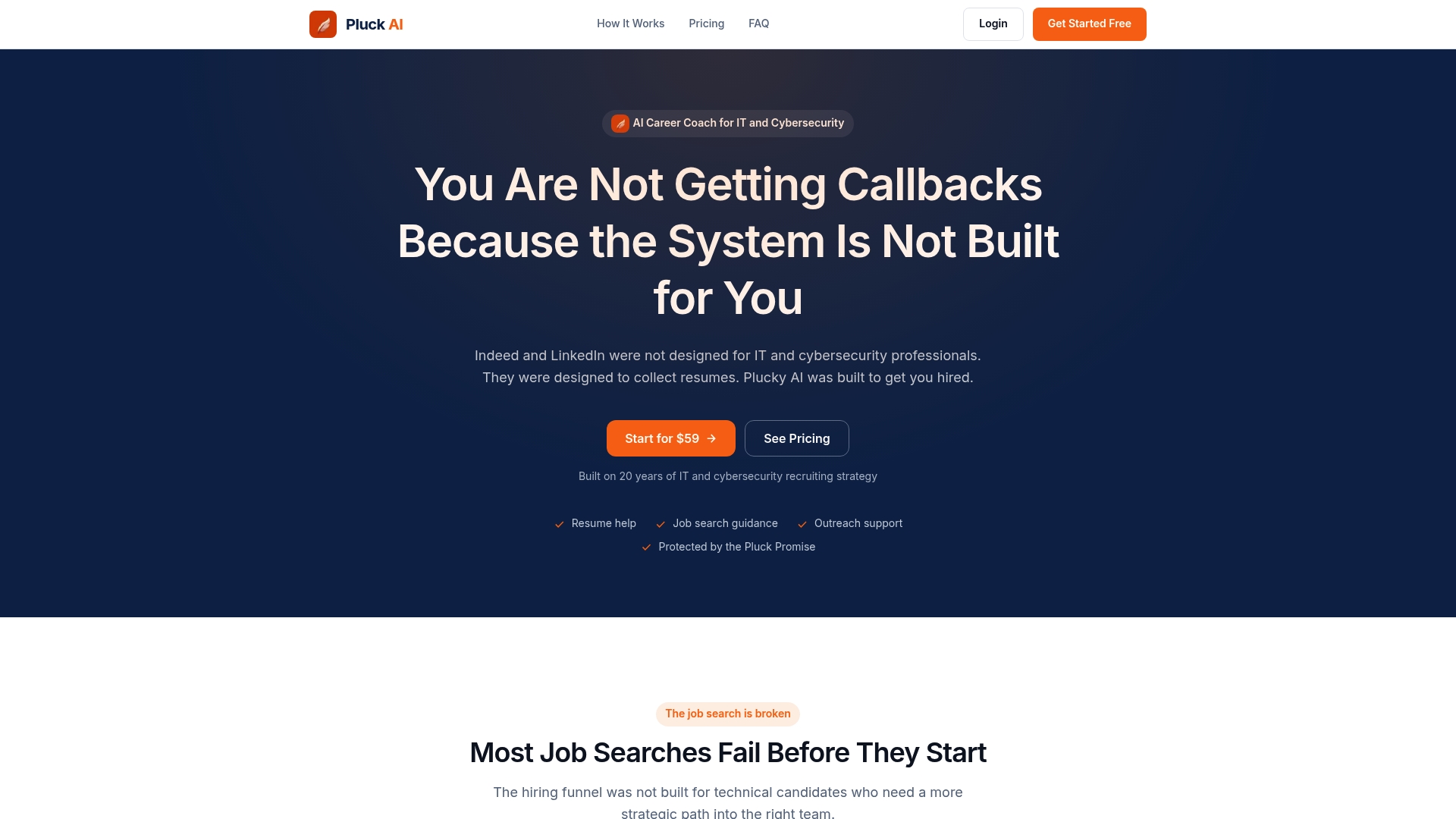
Pluckjobs combines AI-powered role discovery with Apollo contact intelligence to surface precision job matches and hiring manager outreach data in one place. You get tailored resume suggestions alongside direct recruiter contact details, so your improved profile actually reaches the people making decisions. No more cold applying to job boards and waiting. For IT and cybersecurity professionals ready to move from profile fixes to real interviews, Pluckjobs is built for exactly that workflow. Start at pluckjobs.io and put your optimized profile to work.
FAQ
What makes a LinkedIn profile weak for IT job seekers?
A weak IT LinkedIn profile typically lacks a professional photo, uses a generic headline with no technical keywords, and lists job responsibilities instead of measurable achievements. These gaps cause profiles to fail both automated keyword filters and human recruiter review.
How does a missing photo affect recruiter outreach?
Profiles with professional photos receive up to 21 times more views and 36 times more messages than those without one. A missing photo signals an incomplete or neglected profile and reduces recruiter confidence immediately.
Why do inconsistencies between LinkedIn and a resume cause rejection?
Approximately 70% of hiring managers reject candidates when they find mismatches in job titles, dates, or achievements between LinkedIn and the resume. Even small discrepancies suggest carelessness or dishonesty, both of which end candidacies quickly.
How many skills should an IT professional list on LinkedIn?
IT professionals should list at least five relevant technical skills. Users with five or more relevant skills are contacted up to 33 times more often by recruiters than those with fewer or unrelated skills listed.
How often should IT professionals update their LinkedIn profiles?
A 90-day review cycle is the standard practice for active job seekers. Update your headline and skills section whenever your technical focus shifts, and add new recommendations after completing major projects or roles.